Free · no installation · 14 languages
Your live chat room, on your website.
Chat, voice, cameras, radio and shared YouTube videos. Create a room, copy one line of code, and your audience chats together right on your site.
 Welcome to the room! Respect first, to chat and make friends.




Online in three steps
Nothing to install, no server to manage.
-
1
Create your account and your room
Sign up for free and choose your room's name.
-
2
Open "Share the room"
Once the room is created, this button gives you the code for your site.
-
3
Paste it on your website
HTML page, blog: your visitors start chatting right away in your room. Create it for free.
Everything is included in every room
Live voice
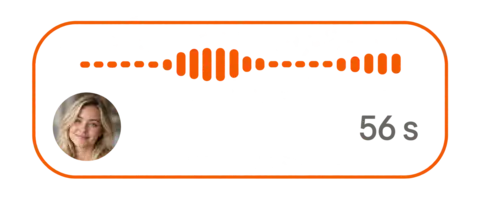
Everyone speaks in turn. The whole room sees who has the floor, with their avatar and sound wave.
Cameras
One click, right in the room.




Your radio
The whole room listens to the same music.
YouTube together
Share a video or a talk and comment on it live.

- Voice messages
- Private messages
- 14 languages
- Phone and computer
- Room moderation
For clubs
Your hiking, mountain biking or running club gets its own room
Talk about outings, share your Garmin, Strava or Komoot routes and see them on a map. Free, nothing to install.





<iframe src="https://zetboo.com/integrer/votre-salon"
    width="400" height="600"
    allow="camera; microphone; fullscreen; autoplay"></iframe>
One line of code
One line of code, that's all
The room adapts to the width of your page, on computer and mobile. You can moderate it from your Zetboo account.
Using WordPress? Install the Zetboo plugin, choose your room, and you're done.
ZETBOO APP
Your rooms and contacts, everywhere
An icon on your screen, full screen, no address bar. Find your rooms and private messages on phone and computer.
Free, no ads in the room, ready in two minutes.